Download
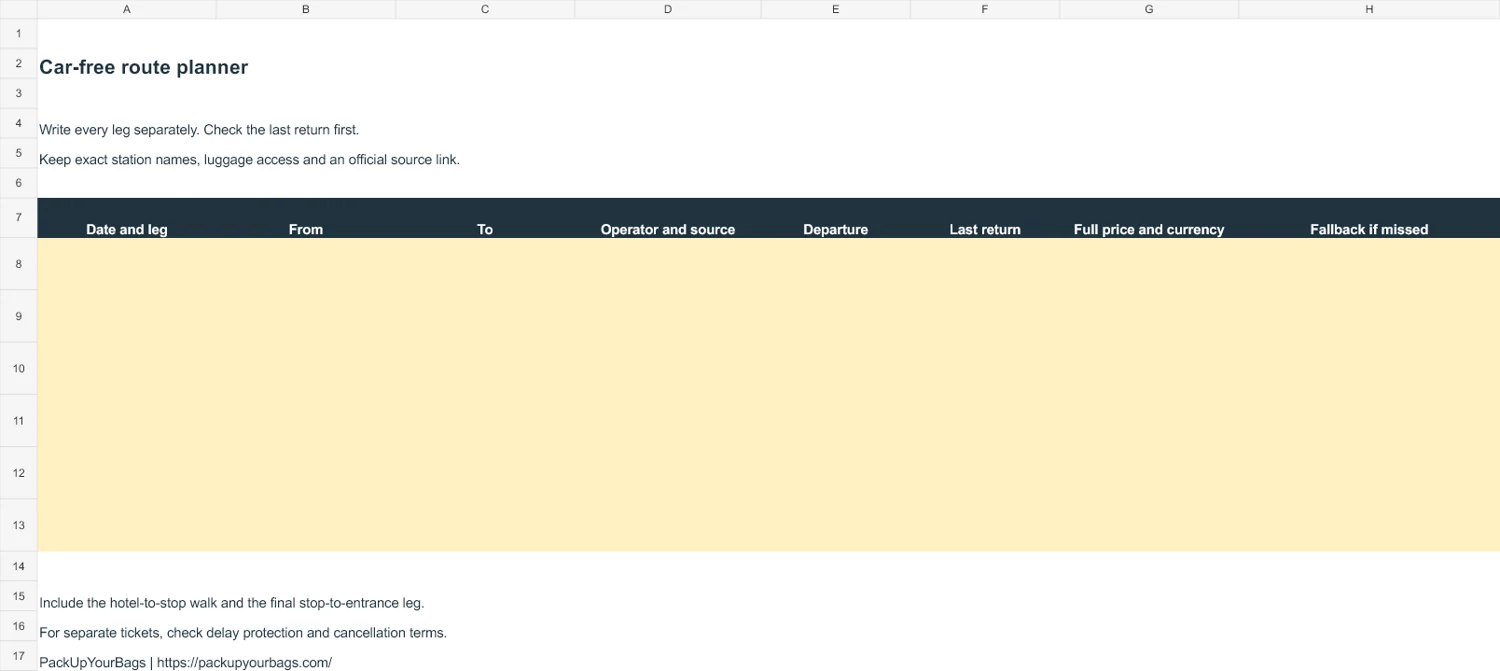
Use this free car-free route planner to turn a destination list into a journey you can actually check. The Excel workbook has English and Hindi tabs and space for six separate legs, with no login, macros or live tracking.
Record a complete travel chain
| Field | What to write | Why it matters |
|---|---|---|
| From and to | Exact stop, terminal or entrance | A city name may hide several stations |
| Operator and source | Official timetable link and checked date | Old screenshots can become inaccurate |
| Departure and last return | Date-specific services | The outward journey alone is not a day plan |
| Full price and currency | All travelers and necessary supplements | A headline fare may exclude the last transfer |
| Fallback | A realistic alternative if missed | Separate bookings may not protect the connection |
Begin with the last return
For a village, island or mountain outing, choose the last practical return before selecting the outward trip. Then allow enough time for the attraction, meals and the walk back to the departure point.
Do not assume a weekday service also runs on Sunday, a public holiday or outside peak season. For a ferry or lift, check weather and operating notices as well as the timetable.
Give every transfer its own row
An airport train may end at a city station rather than your hotel. Record the walk, metro, bus or taxi needed afterward. For a camp or island property, write the actual pickup location and whether the transfer is included.
When changing operators, check ticket validity and any check-in or check-out instructions. A through booking and several independent tickets can provide different protections after disruption.
Add the practical details
Record luggage, stairs, lift availability and child-seat needs beside the relevant leg. A route described as short on a map may be unsuitable for a traveler with limited mobility or several large bags.
Do not write a private door code, passport details or payment-card information in a worksheet you plan to share. The operator link is enough to show where the schedule came from.
Check again close to travel
The worksheet does not fetch a live timetable, estimate traffic or certify that a route is safe. Review current government advice where relevant and confirm the issued service with its operator.
Save an offline copy with the actual tickets and leave recovery time before an international flight. A completed sheet is useful evidence of your planning, not a guarantee that every connection will run as expected.
Continue planning
Sources and preview credit
Workbook preview: PackUpYourBags; car-free-route-planner workbook preview; Original PackUpYourBags resource. Resized and converted to WebP; original licence retained. Screenshot of the original workbook provided on this page.